Auditing SMB Shares with PowerShell
Audit local SMB shares with PowerShell by checking both Share and NTFS permissions against a list of high-risk security principals. The script logs compliance results as structured events in the Windows Event Log, making it easy to integrate with monitoring and SIEM solutions.

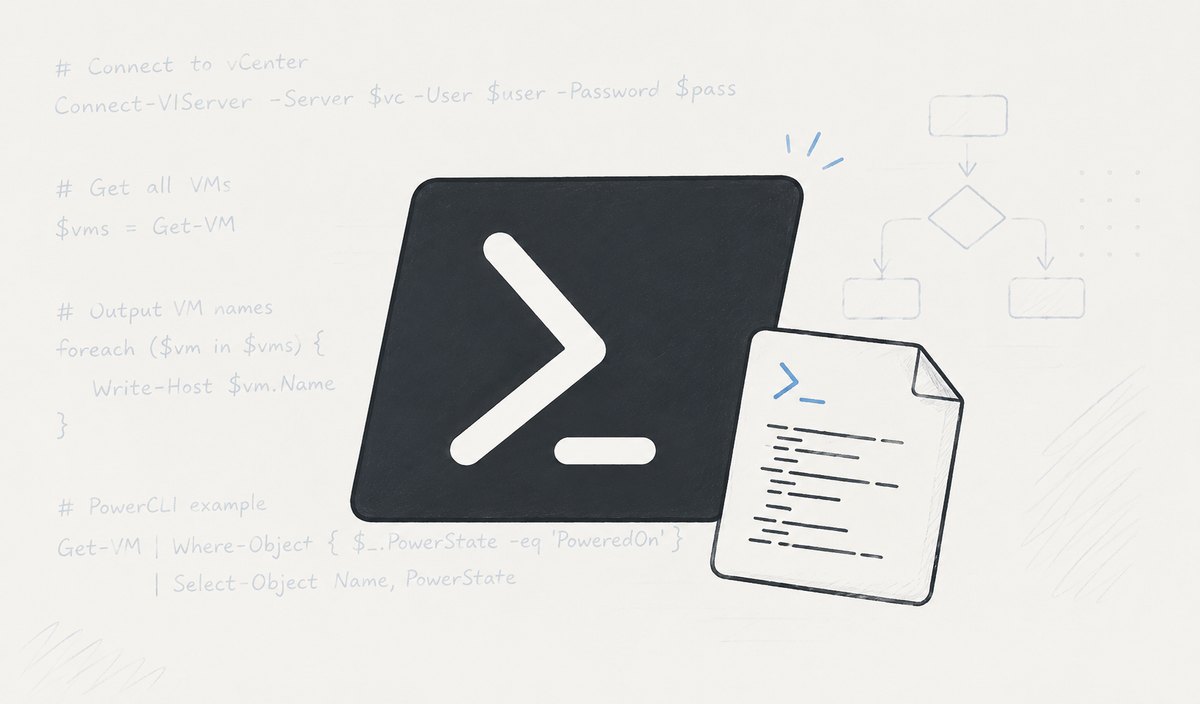
Misconfigured SMB shares are a common security risk. This script audits all local file shares, checks both Share and NTFS permissions, compares them against a list of predefined high-risk principals (such as Everyone, Authenticated Users, and Domain Users), and writes the compliance result directly to the Windows Event Log.
Script
# Audit-SharesAndPermissions.ps1
# Dieses Skript sammelt Informationen über freigegebene Ordner und deren Berechtigungen

try {
    $LogName = 'Application'
    $Source = 'Windows Share Auditing'

    $EventNonCompliant = @{
        EventId   = 42000
        EntryType = "Warning"
        LogName   = $LogName
        Source    = $Source
    }

    $EventCompliant = @{
        EventId   = 42001
        EntryType = "Information"
        LogName   = $LogName
        Source    = $Source
    }

    $badPrincipals = @(
        "Everyone","Jeder",
        "Authenticated Users","Authentifizierte Benutzer",
        "Domain Users","Domänen-Benutzer",
        "Users","Benutzer",
        "Guest","Gast",
        "BUILTIN\Users",
        "BUILTIN\Guests","Gäste",
        "BUILTIN\Pre-Windows 2000 Compatible Access",
        "ANONYMOUS LOGON","Anonymes Anmelden",
        "NT AUTHORITY\INTERACTIVE",
        "NT AUTHORITY\NETWORK",
        "S-1-1-0",
        "S-1-5-7",
        "S-1-5-11",
        "S-1-5-32-545",
        "S-1-5-32-546",
        "S-1-5-32-554",
        "S-1-5-21-[0-9-]+-513"
    )

    if (-not [System.Diagnostics.EventLog]::SourceExists($Source)) {
        New-EventLog -LogName Application -Source $Source
    }

    $computer = $env:COMPUTERNAME
    $domain = (Get-CimInstance Win32_ComputerSystem).Domain
    $os = (Get-CimInstance Win32_OperatingSystem).Caption

    $shares = Get-SmbShare | Where-Object {
        $_.ShareType -eq 'FileSystem' -and $_.Path
    }

    foreach ($share in $shares) {

        $sharePerms = Get-SmbShareAccess -Name $share.Name | ForEach-Object {
            [PSCustomObject]@{
                AccountName = $_.AccountName
                AccessRight = $_.AccessRight
                IsBad       = $badPrincipals -contains $_.AccountName
            }
        }

        $isInsecure = $sharePerms.IsBad -contains $true

        $event = [PSCustomObject]@{
            Computername = "$computer.$domain"
            Domain       = $domain
            OS           = $os
            ShareName    = "\\$computer\$($share.Name)"
            SharePath    = $share.Path
            State        = if ($isInsecure) {
                "Compliance verification failed"
            }
            else {
                "Compliance check passed"
            }
        }

        if ($isInsecure) {
            Write-EventLog @EventNonCompliant -Message ($event | ConvertTo-Json)
        }
        else {
            Write-EventLog @EventCompliant -Message ($event | ConvertTo-Json)
        }
    }
}
catch {
    Write-Error $_
}
Note: The listing above is a shortened version for readability. The complete script additionally audits NTFS permissions, includes more robust error handling, and contains a more comprehensive list of well-known SIDs and localized account names.
What the script does
The script automatically:
- Enumerates all local SMB file shares
- Audits both Share and NTFS permissions
- Detects insecure principals such as Everyone or Authenticated Users
- Writes structured JSON events to the Windows Application Event Log
- Creates the required event source automatically if necessary
Each audited share produces one of two events:
- Event ID 42001 – Compliance check passed
- Event ID 42000 – Compliance verification failed
Example Event
{
  "Computername": "SERVER01.example.local",
  "ShareName": "\\SERVER01\\Public",
  "SharePath": "D:\\Shares\\Public",
  "State": "Compliance verification failed"
}
The JSON payload can easily be consumed by Microsoft Sentinel, Splunk, Elastic, or any SIEM capable of monitoring Windows Event Logs.
Conclusion
Instead of generating static reports, this approach continuously publishes compliance information to the Windows Event Log. It integrates seamlessly into existing monitoring solutions and provides a lightweight way to detect insecure SMB share permissions across your server infrastructure.